SUSTAINABLE // ECOSYSTEMS


A security-focused mobile application researching OS-level data protection and authentication, utilizing Android Studio and Virtual Machines to implement secure password hashing and local credential persistence.
This project was developed as a research-led exploration into Operating System security within the Android ecosystem. The application serves as a testbed for implementing secure user authentication workflows, focusing specifically on protecting sensitive data through robust password hashing techniques and structured local persistence.
The application is built on a modular Java architecture that enforces a strict separation between user interface logic and security-focused data management. The system consists of five core Java classes and their respective XML-based layout definitions.
The front-end logic is distributed across three primary Activity classes, each managing a specific stage of the authentication lifecycle:
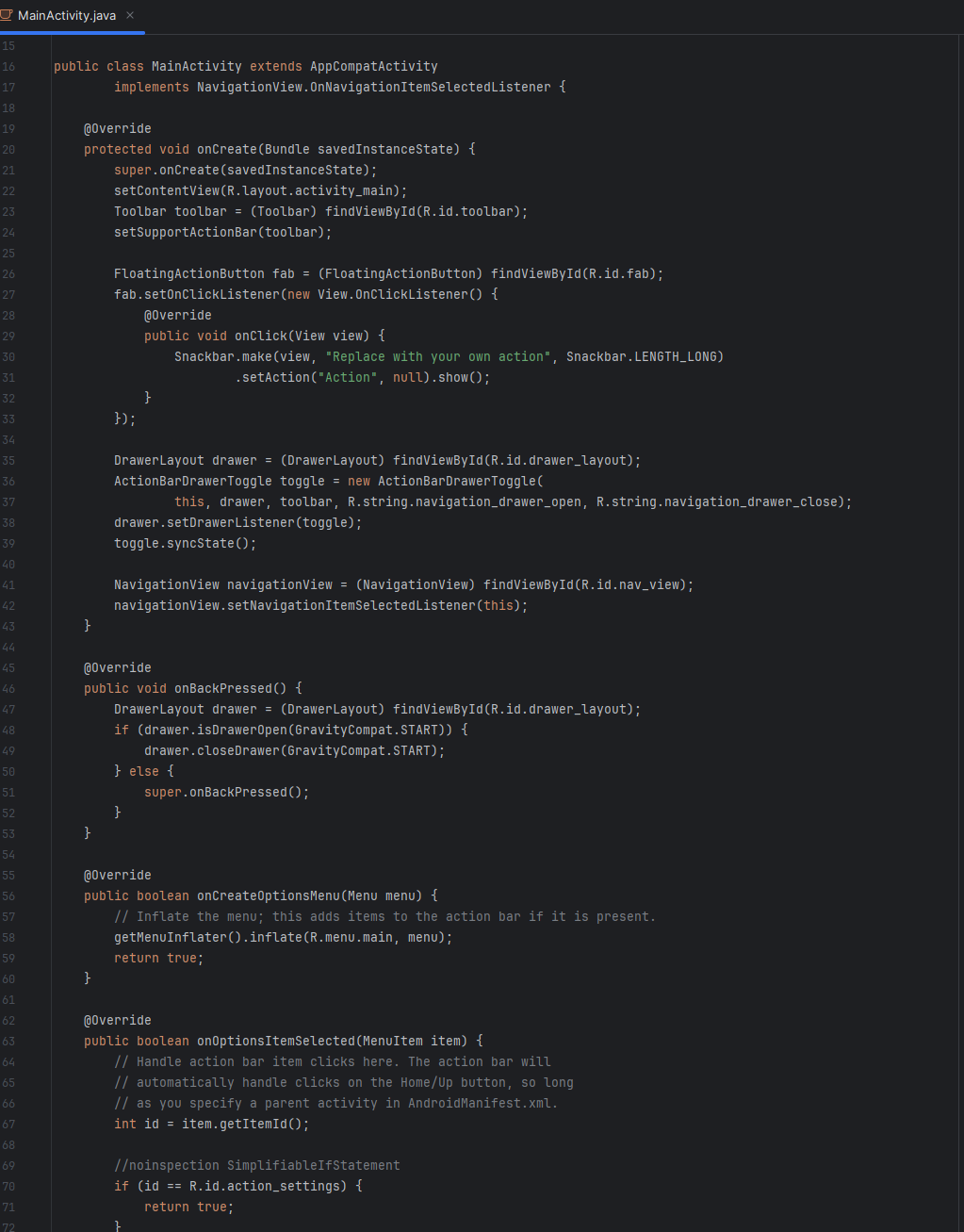
NavigationView and DrawerLayout to architect a fluid user experience for accessing secure features.The backend logic of the application focuses on the secure storage and retrieval of user identities:
User class acts as a data model, defining the structure of stored credentials and ensuring type safety during data manipulation.To simulate real-world mobile hardware constraints and test OS-level security vulnerabilities, the development process was conducted entirely through Virtual Machines and Emulator instances.
onCreate, onBackPressed) to ensure stable performance.FloatingActionButton and Snackbar for real-time user feedback during secure operations.UserDatabase throughout the application lifecycle.